Shape Raw Clips Into Watchable Videos
Practice timeline basics, cleaner cuts, sound checks, simple titles, and export steps without jumping into advanced effects too soon.
Timeline Basics
Place clips, move the playhead, use tracks, and avoid small gaps.
Cleaner Cuts
Trim slow starts, remove pauses, and keep speech or action natural.
Quality Checks
Review resolution, file format, sound level, and preview before sharing.
Editing Practice With Clear First Steps
VideoEditFlow focuses on the small decisions that make an edit easier to watch: choosing useful footage, trimming each cut point, checking pacing, balancing audio, and exporting a short project without losing track of source files.
Build A Rough Cut Without The Mess
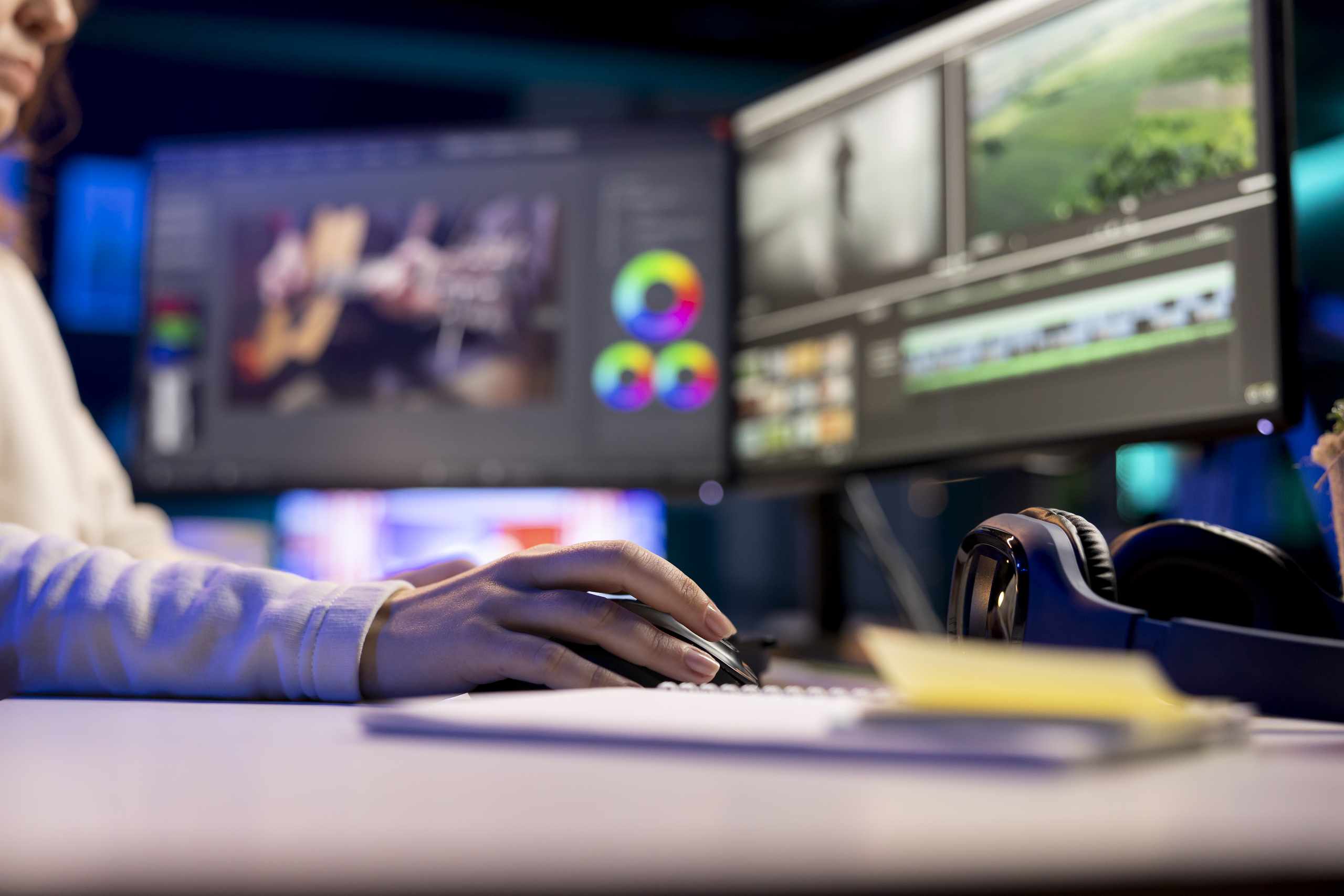
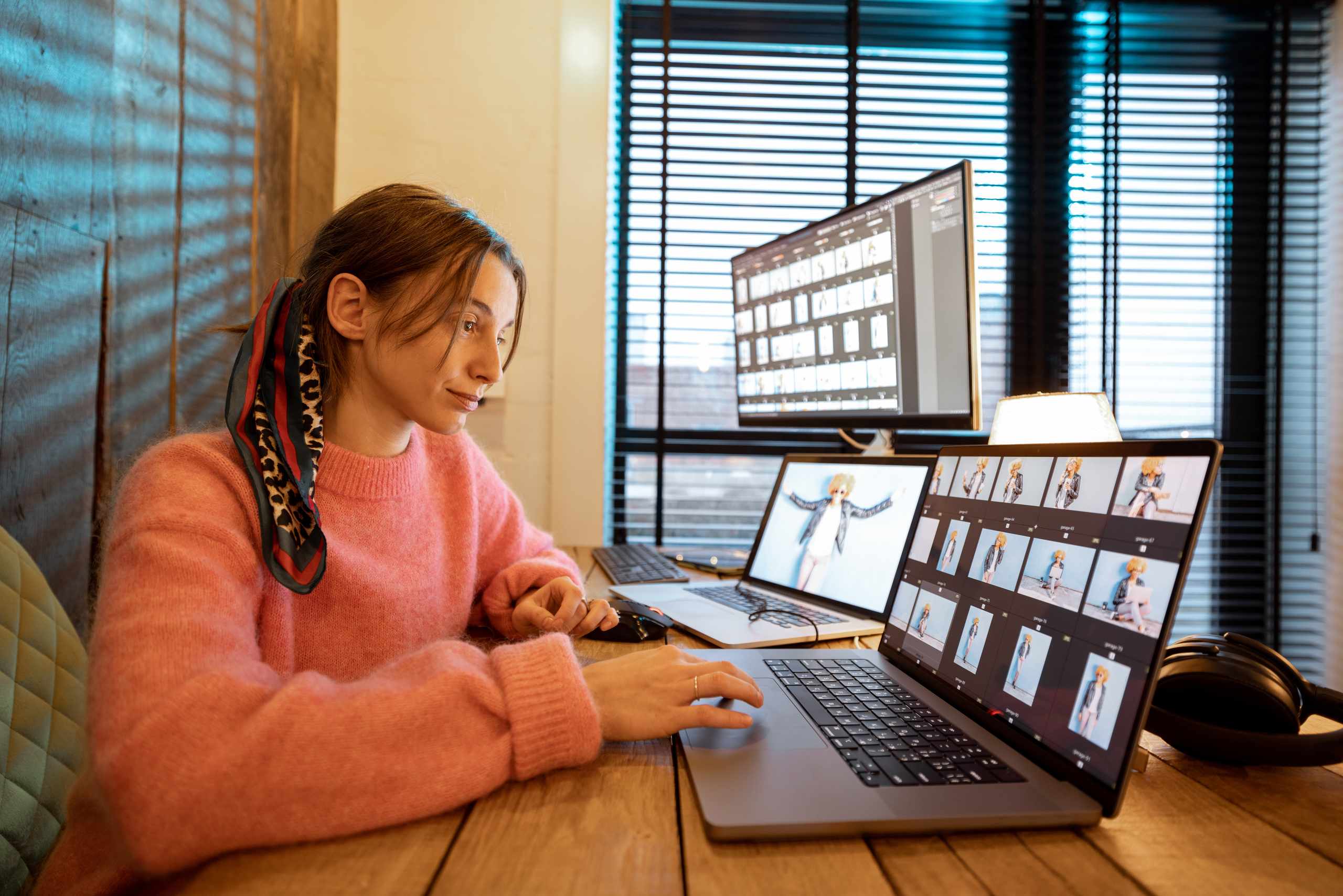
Instead of dropping every file onto the timeline, practice choosing clips, naming project folders, marking useful moments, and arranging a short sequence with a clear opening, middle, and final shot.
Fix Pacing Before Adding Effects
A clean beginner edit usually comes from better timing, not more decoration. Learn to spot long pauses, awkward jump cuts, loud music, unreadable titles, and transitions that interrupt the video instead of helping it flow.

How The Editing Practice Works
Import And Organize
Keep footage, audio, and exports in clear project folders.
Cut A Short Sequence
Trim clips on the timeline and compare different cut points.
Review And Export
Preview pacing, check audio level, and export a test file.
What New Editors Notice
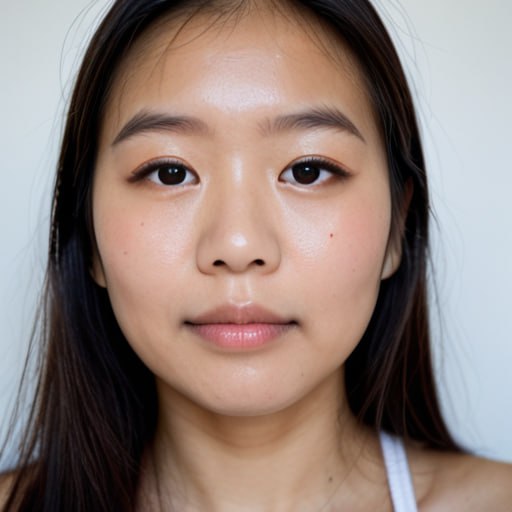
The timeline felt confusing at first, but the clip exercises made it easier to see where a cut should happen. I stopped leaving long pauses at the start of every shot.

Airi Kunisaki
I liked practicing with short footages. Checking the sound without looking at the screen helped me notice when the music was covering the voice.

Haruto Fukamachi
The export checks were useful because I did not understand why my first videos looked blurry. Now I review the preview, sound, and file settings before sharing.