
How Editing Practice Builds
Organize The Footage
Begin with project folders, source files, and clips that are easy to find.
Cut A Short Sequence
Practice trimming clips on the timeline until the action and speech feel clear.
Review Before Completing
Check pacing, audio level, titles, resolution, and file format before sharing.
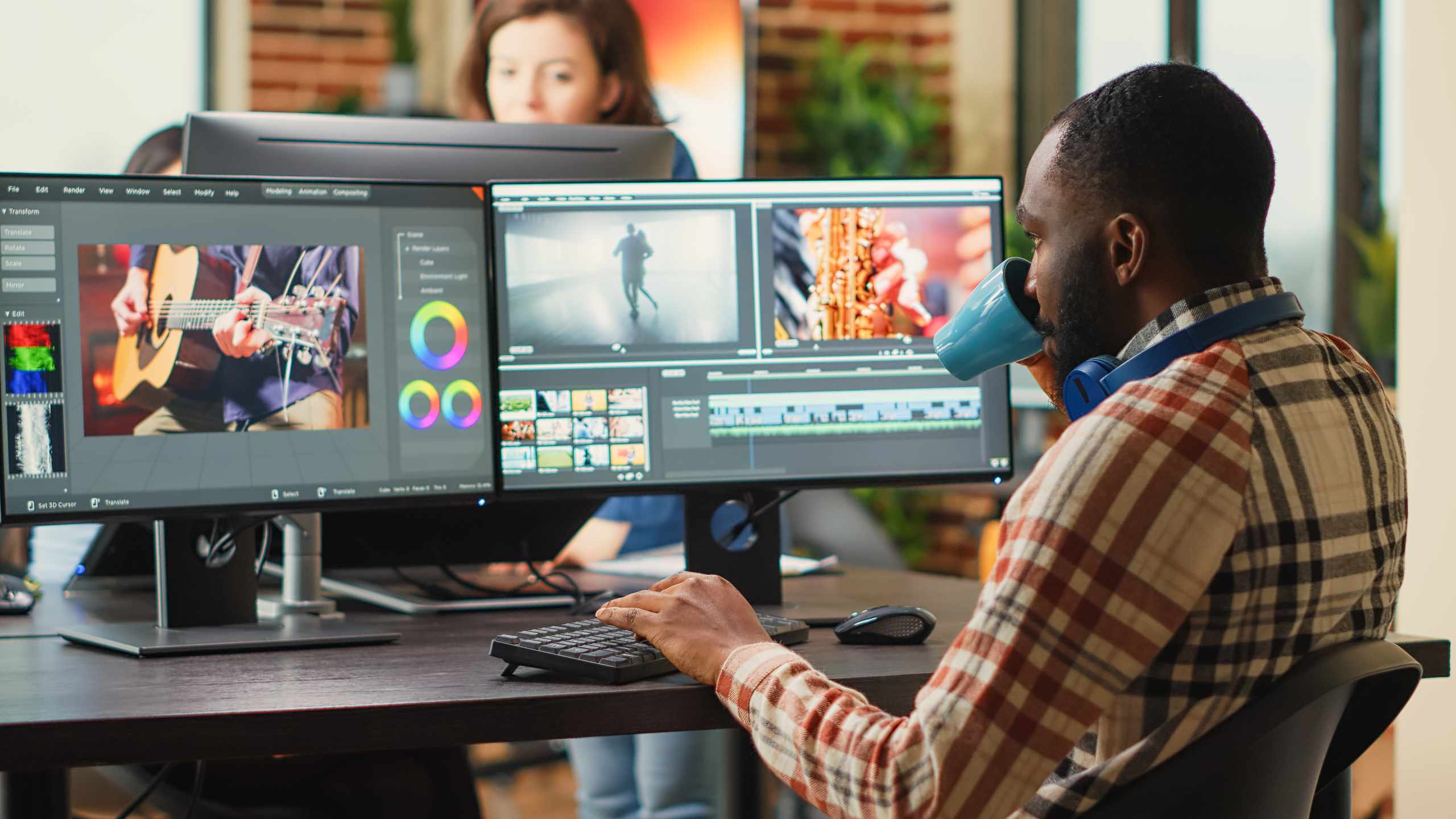
A Course Approach Built Around First Edits
VideoEditFlow keeps the focus on small, visible editing decisions. Instead of starting with advanced effects, the course works through timeline layout, cut points, clip order, sound balance, simple titles, and export checks.
Short clips make it easier to see exactly what changed after each trim. You can compare a slow start, a tighter cut, and an overcut version without getting lost in a large unfinished project.
Pacing is checked by watching the rough cut, listening for awkward pauses, and moving cut points in small steps. The goal is not speed, but a sequence that feels easier to follow.
Sound practice starts with simple listening checks. Voice, background music, and natural sound are compared so the main audio stays comfortable before titles, transitions, or export settings are adjusted.
Cleaner Edits Come From Smaller Checks

Editing Notes
Read practical articles on trimming, pacing, transitions, audio balance, project folders, and export checks.

Starting Questions
Ask about software expectations, clip types, practice time, or the best place to begin with your footage.