
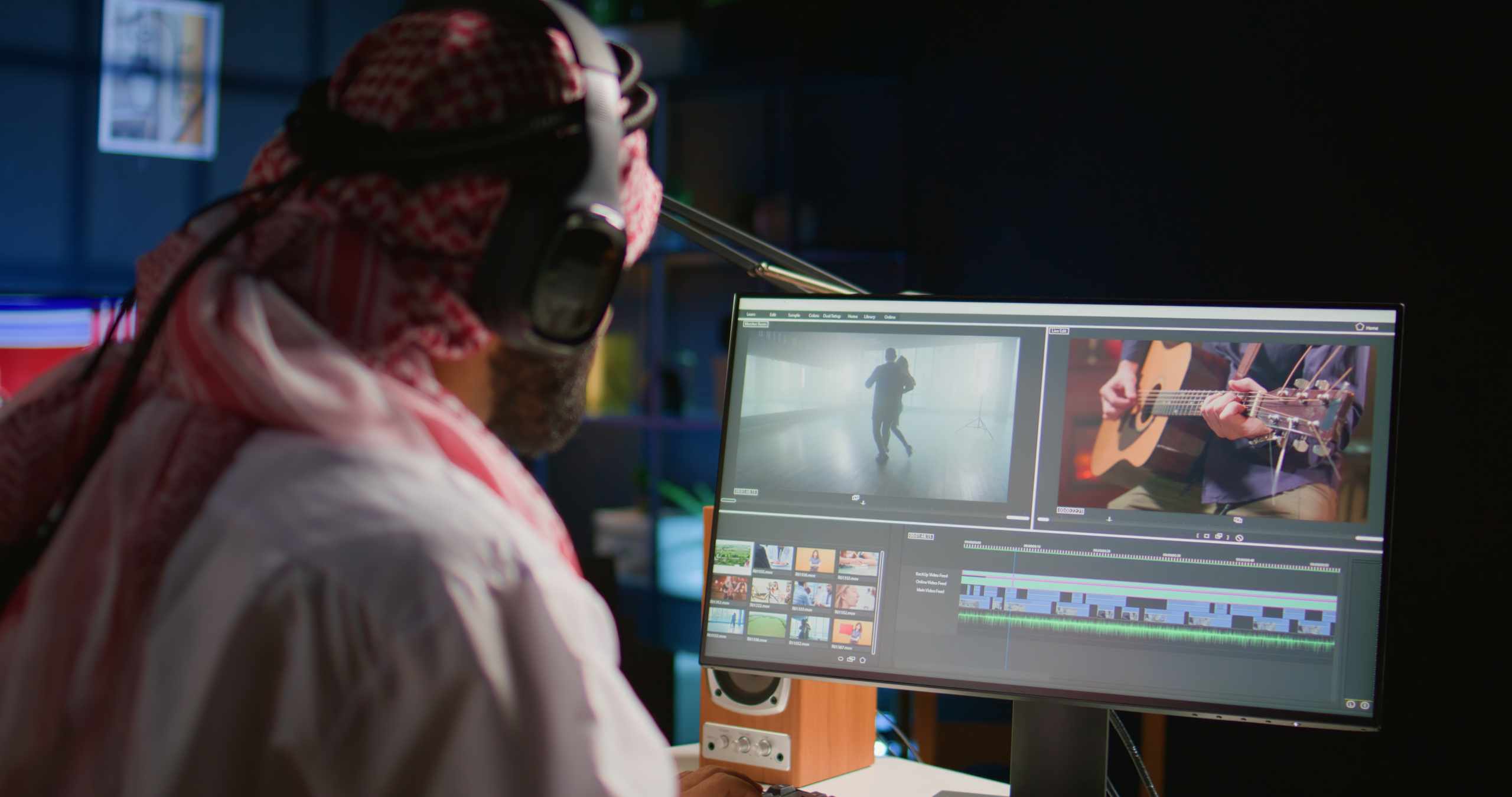
A folder full of raw footage can make editing feel harder than it really is. The problem often begins before the first cut. If every clip goes straight onto the timeline, the project becomes crowded, the playhead is harder to move through, and the useful moments get buried between shaky starts, repeated takes, and long pauses. Choosing clips first gives the edit a cleaner shape before trimming begins.
Start by watching the footage outside the timeline, or inside the media preview window if your editing software has one. Do not judge only by the thumbnail, because the best part of a clip may happen halfway through. Look for moments that are clear, steady enough to watch, and connected to the video you want to make. A useful clip does not have to be perfect. It only needs to contain something that helps the viewer understand the action, mood, subject, or next step.
One helpful habit is to separate “usable” from “interesting.” A clip may be interesting because the lighting looks nice or the movement feels lively, but it may not fit the sequence. Another clip may look plain but clearly shows the action you need. For a short beginner edit, useful footage usually matters more than extra decoration. A simple shot that explains what is happening can make the whole timeline easier to arrange.
Before placing anything on the timeline, mark or note the strongest section of each clip. You can use markers, file names, or a small written note such as “good reaction near end” or “clear voice after pause.” This saves time later because you are not dragging a full clip onto the timeline just to search for one small moment. It also helps you avoid keeping slow starts, camera adjustments, or repeated lines just because they came attached to the useful part.
Try building a tiny selection before you build the edit. Pick five clips and decide what each one does. One might introduce the subject, one might show the main action, one might work as B-roll, one might add a detail, and one might close the video. With only five clips, it becomes easier to see whether you have a beginning, middle, and ending. If two clips do the same job, choose the clearer one and leave the other out for now.
Sound should also affect your clip choice. A visually strong clip can become difficult to use if the voice track is covered by wind, background music, or sudden noise. If the clip is important, you may still keep it and use only the picture under cleaner audio. But when you are learning, it is usually easier to work with footage where the main sound is understandable. Listening before editing helps you avoid surprises when the rough cut starts to feel messy.
After you place your selected clips on the timeline, the trimming stage becomes more focused. Instead of asking, “What should I do with all this footage?” you can ask smaller questions: where should this clip begin, where should it end, and does it still help the sequence? That is a much easier way to practice cut points, pacing, and clip order. A good sign of progress is not a full timeline. It is a timeline where every clip has a reason to stay.