
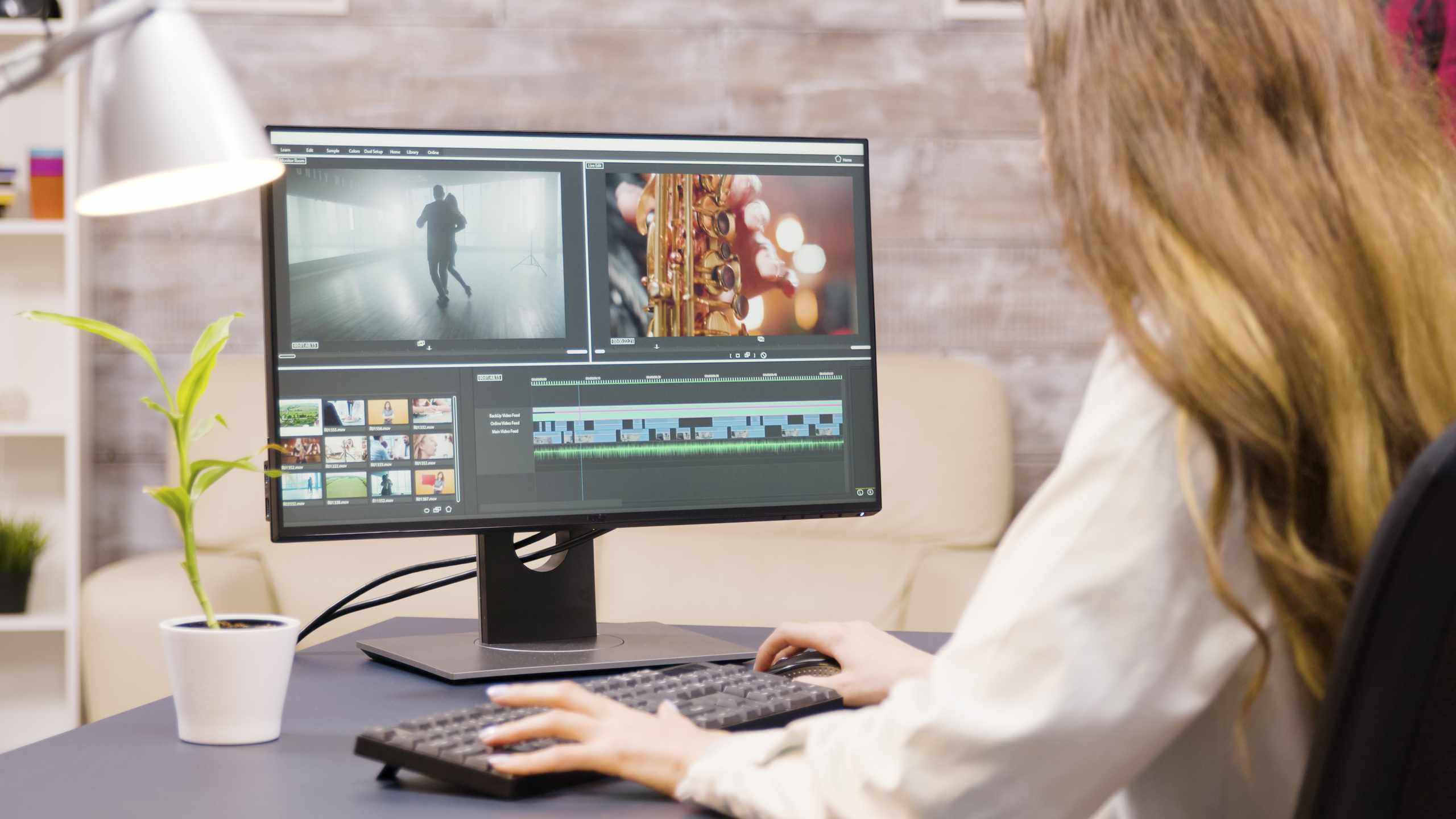
Press play on an untrimmed clip and watch the first second closely. You may see the camera settle, a hand move away, a face prepare to speak, or the subject pause before the useful action begins. These tiny moments are easy to ignore while editing, but viewers feel them as delay. A video can look unfinished even when the footage is good, simply because each clip starts a little before it needs to.
The same problem happens at the end of a clip. The action finishes, but the shot stays on screen for one extra beat. Someone looks away, the camera drops, the voice trails off, or nothing important happens before the next cut. One extra second does not sound like much, but several extra seconds across a short timeline can make the whole rough cut feel slower than expected. Cleaner editing often begins by removing these weak edges.
A useful exercise is to take one short clip and make three versions of it. In the first version, leave the clip almost untouched. In the second, trim the beginning until the action starts clearly. In the third, trim both the beginning and the ending so the clip enters and leaves with purpose. Watch the three versions in the preview window and notice which one feels easiest to follow. This comparison teaches timing better than guessing.
Be careful not to trim only by sight. If the clip has speech, listen before moving the cut point too far. Cutting into the first sound of a word can make the sentence feel clipped or unnatural. Leaving a tiny breath before speech may sound better than cutting exactly at the waveform. For movement, the best cut point is often just before the useful motion begins, not after the viewer has already waited for it.
The last second needs a different kind of attention. Ask whether the clip has already delivered its job. If the shot shows a hand placing an object on a table, the clip may not need to continue after the object lands. If the shot shows someone finishing a line, the ending may need a small pause so the sentence does not feel chopped. The goal is not to make every clip short. The goal is to remove empty time while keeping the action or voice comfortable.
When several trimmed clips sit together on the timeline, play the sequence without stopping. Look for cuts that feel too sudden, then check whether you removed too much from the beginning or ending. Look for sections that feel sleepy, then check whether a clip is starting before the useful moment or staying after it is done. Small changes at the edges of clips can improve pacing before you add transitions, titles, background music, or other visual details.
A cleaner edit usually has clips that arrive when they are needed and leave when their job is finished. During your next timeline review, do not look for dramatic changes first. Watch the first and last seconds of each clip. That narrow area often shows exactly why a sequence feels sharp, slow, rushed, or unfinished.